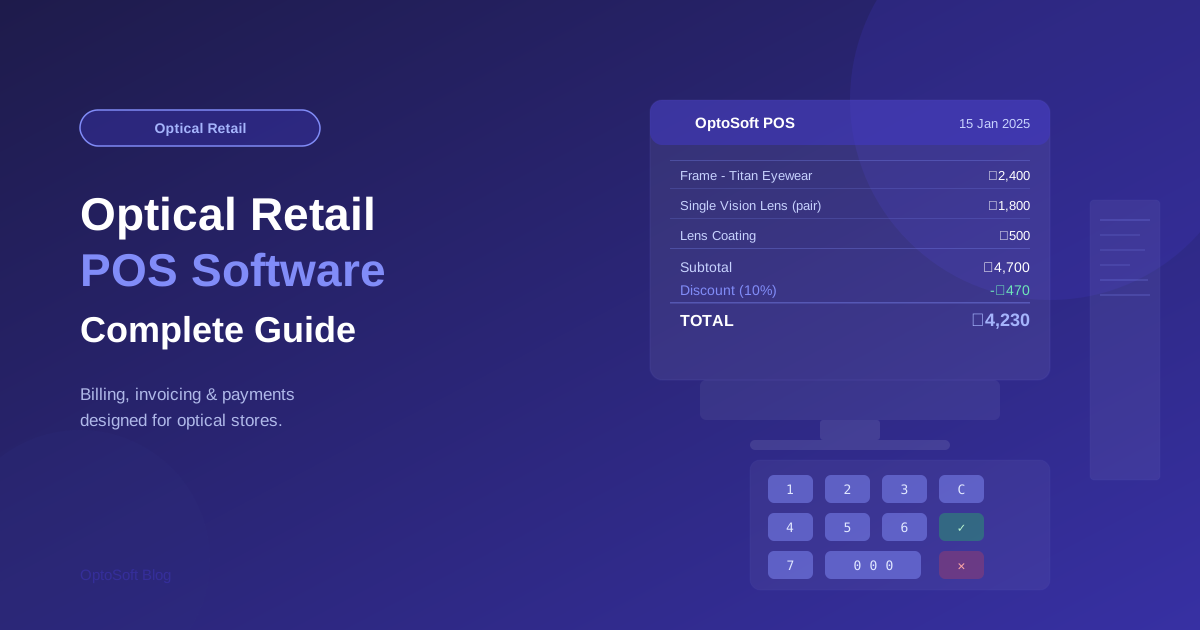
Why Optical Retail Needs Specialist POS Software
General-purpose point-of-sale software was not designed for optical retail. A generic POS can process a payment, print a receipt, and track a basic inventory count — but it cannot link a sale to a patient's prescription, manage lens job orders, handle the unique tax rules around medical devices, or automatically update your optical inventory when a specific frame in a specific colour and size is sold. For optical retailers, a specialist POS that understands the nuances of the industry is not a luxury — it is a necessity.
Web-Based vs. Mobile POS: Understanding Your Options
Modern optical POS systems fall into two categories:
- Web-based POS: Accessed through a browser on any desktop or laptop. Ideal as the primary billing station, offering the most screen real estate for complex prescription-linked billing.
- Mobile POS: Accessed on a smartphone or tablet. Ideal for floor staff assisting customers with frame selection, enabling quick price checks, loyalty point lookups, and simple sales without returning to a fixed counter.
OptoSoft provides both, seamlessly integrated, so your store can have a primary desktop billing station while floor staff use their smartphones for the mobile functions that add most to customer experience.
Key Features of Optical POS Software
- Prescription-linked billing: The ability to attach a prescription to a sale ensures the correct lens powers are ordered and reduces dispensing errors.
- Automatic inventory deduction: When a frame is sold, stock levels update instantly across the system — no manual adjustments needed.
- Multiple payment methods: Cash, card, UPI, split payment, and credit — a good optical POS handles all of them and records each correctly.
- Discount and coupon handling: Apply loyalty discounts, seasonal promotions, or staff-generated coupons at the point of sale with full audit trail.
- Digital receipts: Send receipts via WhatsApp or email rather than printing, saving paper and giving customers a searchable record of their purchase.
Integration: The Key to a Powerful POS System
A POS system in isolation is useful. A POS system integrated with patient records, inventory, CRM, and reporting is transformative. When all four systems share data in real time, you get a complete picture of every customer interaction — from the prescription that drove the purchase to the loyalty points earned, the stock that was depleted, and the sale that appears in your daily report.
Hardware Considerations
OptoSoft is designed to run on hardware you already own, significantly reducing the capital cost of upgrading your POS. A standard Windows or Mac laptop, a smartphone for mobile POS, and a standard barcode scanner (USB or Bluetooth) are all you need. For receipt printing, any standard thermal receipt printer works. This approach means even a small practice can have a professional POS setup without a significant hardware investment.
Making Your Decision
When evaluating optical POS software, insist on a live demo using your actual products and workflows. Watch how the system handles a contact lens reorder, a frame sale with a lab job attached, and a patient return or exchange. These real-world scenarios reveal the gaps that a polished product demo often glosses over. OptoSoft offers unlimited demo time — take it seriously, involve your staff, and make the decision confidently.